Home › Forums › Office Hours › How to post a Topic/Reply
Tagged: Discussion Board, DIY, How-to, MND, Nick Bottom, Puck
- This topic has 1 reply, 1 voice, and was last updated Aug 27, 2019, 12:35 pm by
 Paul L. Hebert (he/him/his).
-
AuthorPosts
-
-
August 27, 2019 at 12:28 pm #53
 Paul L. Hebert (he/him/his)Keymaster
To post to the discussion board you must:
- Have a CUNY Academic Commons account. (Register at the top of the page or here)
- Be logged into the Commons. (Log in at the top of the page or here).
Posting a Topic/Reply
Some discussion board assignments will ask you post a topic and others will ask you to post a reply to a topic.
This, is a topic. It has a title and everyone in the class can reply to it. When creating a topic, you will have three boxes in which to enter data:
Topic Title – Topic titles are similar to book titles or essay titles: the purpose is to inform the reader of the general topic of the post and, ideally, be funny or witty enough to entice someone to read.
Post Content: This is your space to express your ideas. Keep in mind that posts are informal, but need to be comprehensible to others. You have the ability to format text, include links, embed media (images, video, tweets, etc.)—so creative is always welcome.
Topic Tags: Tags make it easy to later search for information (useful when you have to write an essay). You should tag your post with the text(s) you discuss at the very least (e.g. MSND for A Midsummer Night’s Dream or Eagleton for Terry Eagleton’s “What is Poetry?”). But you can include other useful information (even sarcastic commentary), as you would hashtags.
-
August 27, 2019 at 12:35 pm #54Paul L. Hebert (he/him/his)Keymaster
This is a reply!
Since replies are responses to a topic, there is no space to write a new title. You can, however, add to the tags (and you should consider doing so since if you’re referring to new sources).
As with the topics, you can add photos, gifs, links and format your text. Use your creativity to enhance your text.
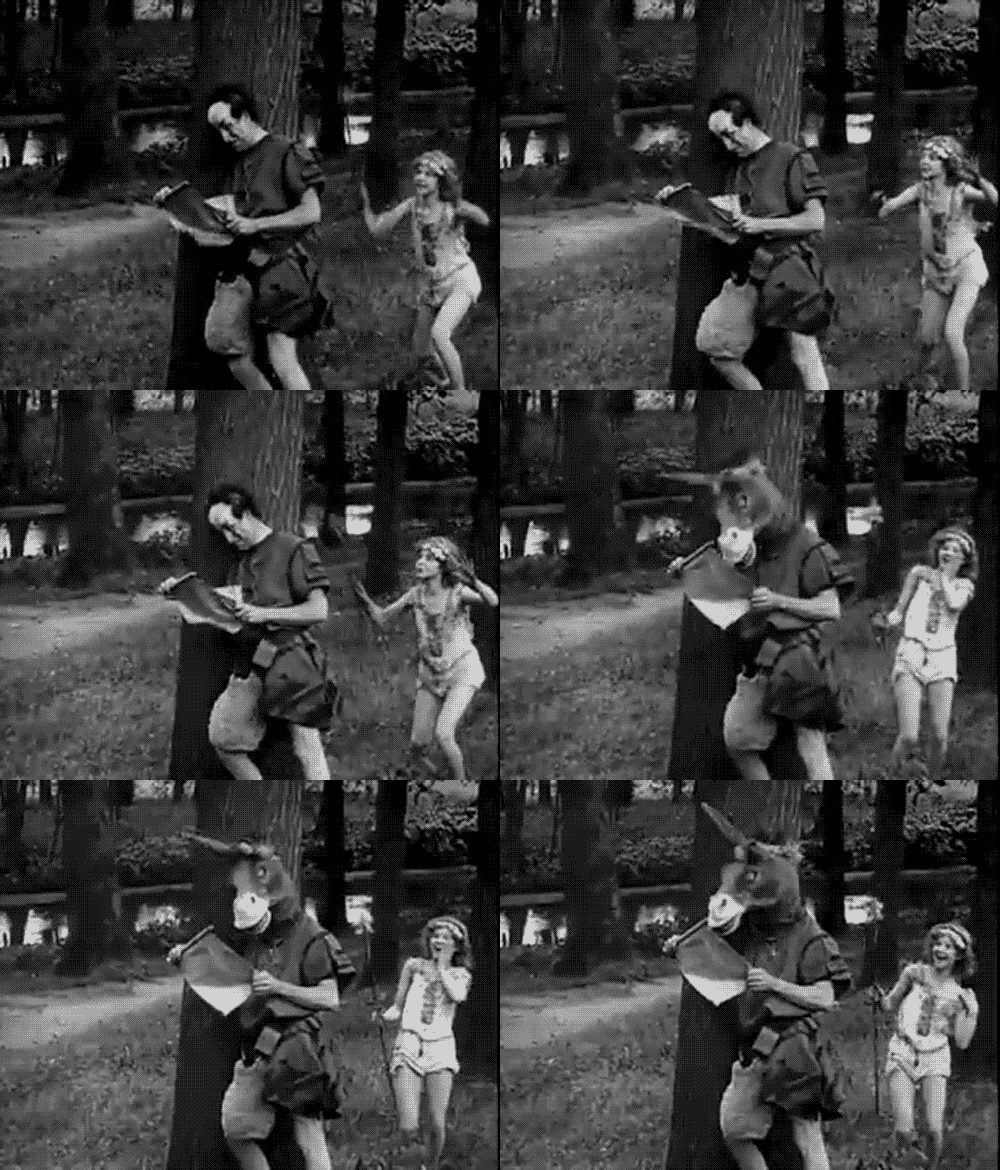
As an example,here’s a clip of a character from A Midsummer Night’s Dream having his head transformed into that of a donkey.
-
-
AuthorPosts
- You must be logged in to reply to this topic.

